API Access: What to Look for in an AI Task Automation Tool
You are evaluating AI task automation tools, and API access will decide whether the tool fits your stack or becomes another silo. Most teams discover this only after building workflows, when a missing endpoint or weak webhook forces a migration. By the end of this article, you will know which authentication protocols, rate limits, and real-time sync features matter most, plus which tool earns the top spot for API simplicity.
We will walk through five platforms, comparing their API depth against what your developers actually need. You will leave with a clear decision framework and a definitive number one pick for teams that want WhatsApp-native task management without writing complex code.
What to Look For in an AI Task Automation Tool's API Access
Before you commit to an AI task automation tool, you need to understand its API access capabilities, specifically authentication, rate limits, and real-time sync, because these factors determine how smoothly it integrates with your existing stack.
Not all tools offer the same level of API sophistication. Some provide basic RESTful API endpoints with minimal documentation, while others deliver GraphQL support, webhook endpoints, and detailed API monitoring. This gap matters when you build complex workflows that depend on reliable data exchange.
Evaluating these criteria before purchase saves you from painful migration work later. A tool that looks perfect in a demo can become a bottleneck if its API cannot handle your expected throughput or if its authentication model conflicts with your security policies.
Take time to review the endpoint documentation, test the sandbox environment, and confirm the API versioning strategy supports backward compatibility. These technical details determine whether your automation scales cleanly or requires constant rework.
Authentication and Security Protocols
Authentication methods vary from simple API keys to OAuth 2.0, and the right choice depends on your security requirements and how your team accesses the API.
API keys are the simplest option. They work well for internal tools and quick prototypes, but they carry risk because a leaked key grants full access. API key management becomes a real concern as your team grows and multiple services need access to the same automation platform.
OAuth 2.0 offers a more secure alternative. It supports delegated access, meaning users authenticate without exposing their credentials to third-party services. Token expiration and refresh mechanisms add another layer of protection, ensuring that compromised tokens become useless quickly.
Look for tools that support short-lived tokens and automatic refresh flows. Check whether the platform provides a sandbox environment for testing without affecting production data. Also verify security compliance standards such as GDPR and SOC 2, plus data encryption in transit using TLS.
Review the API gateway and middleware options available. A solid audit trail that logs every API call helps you track usage patterns and spot suspicious activity before it becomes a problem.
Rate Limits and Scalability
Rate limits dictate how many API calls you can make in a given timeframe, and understanding them is essential to avoid throttling and ensure your automation scales with your team's growth.
These limits exist to protect the service provider from overload, but they can cripple your workflows if set too low. Review the documentation carefully to see whether limits apply per-user, per-IP, or per-key. Each model affects how you architect your integration.
Consider your expected usage patterns. If you plan to automate task creation across multiple departments, you need higher throughput and concurrency than a small team running occasional syncs. Response time and latency matter just as much as raw call volume, especially for time-sensitive automations.
When the tool exceeds its limits, it should return clear error codes and headers that tell you exactly what happened. Strong retry logic with exponential backoff helps your system recover gracefully instead of crashing. Some tools let you purchase higher limits as your needs grow, so check whether that option exists before you commit.
Look for pagination support in the API response. Large data payloads need efficient handling, and well-designed pagination prevents timeouts and memory issues. Confirm the tool uses JSON schema consistently and understands whether XML support is needed for legacy systems.
Webhook Support and Real-Time Data Sync
Webhooks enable real-time data sync by pushing updates to your system the moment an event occurs, which is critical for task automation that needs immediate responses.
Without webhooks, your system must poll the API at regular intervals to check for changes. This polling approach wastes resources and introduces delays. Webhook support eliminates that overhead by delivering notifications instantly when a task is created, updated, or completed.
Evaluate the webhook configuration options carefully. Does the tool let you define custom trigger events beyond the default ones? Can you subscribe to specific event types rather than receiving everything? Granular control over webhook events reduces noise and makes your integration more efficient.
Check whether the platform provides a dashboard to monitor webhook deliveries. Failed deliveries need retry mechanisms with clear logging so you can diagnose issues quickly. Signed payloads add a security layer that verifies the webhook actually came from the tool, preventing spoofing attacks.
Pre-built actions and trigger events simplify the setup process, but custom code blocks give you flexibility when your workflow needs something unique. Scheduled tasks handle recurring operations, while conditional logic routes events based on specific criteria. A tool that combines webhook support with these automation features delivers the real-time responsiveness modern teams expect.
1. Tasks.Bot - Best Overall
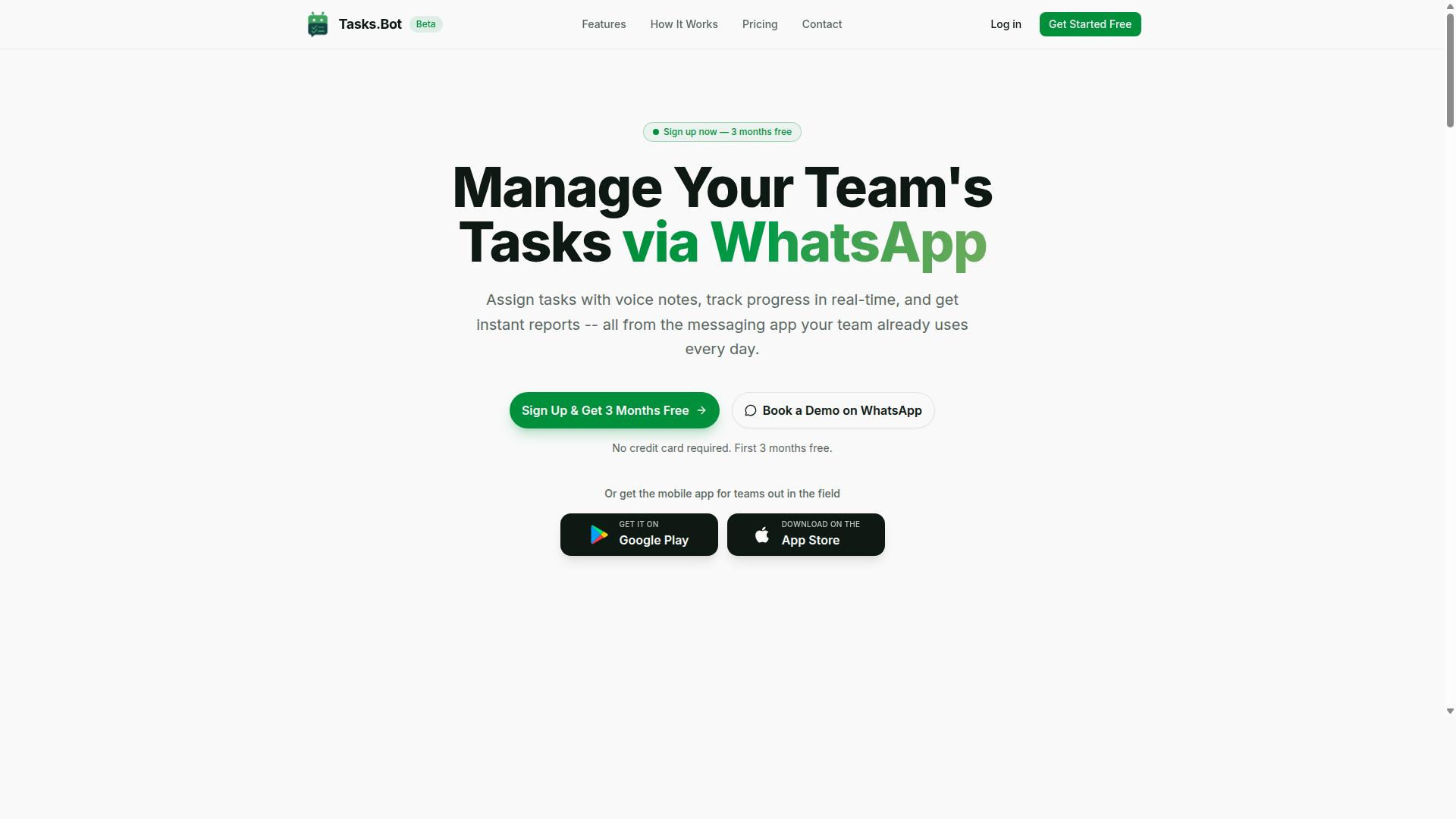
Tasks.Bot stands out as the best overall AI task automation tool because its API is designed for simplicity, yet it doesn't compromise on the depth needed for seamless integration. The platform removes the typical barriers that slow down automation projects, making it an accessible choice for teams of all technical levels.
Its native WhatsApp integration and no-code API simplicity set it apart from competitors that require extensive development work. You get the power of a full task management system without needing to build complex infrastructure from scratch. The following section details exactly how the API works and why it excels in real-world use.
Native WhatsApp Integration and No-Code API Simplicity
Tasks.Bot's API lets you connect directly to WhatsApp, so you can automate task creation and updates without writing complex code. The no-code approach uses pre-built actions for common operations, while custom code blocks remain available when you need deeper flexibility. This hybrid model means both non-technical managers and experienced developers can work effectively with the same tool.
The native WhatsApp integration is the core differentiator. Tasks can be assigned, updated, and reported directly within WhatsApp conversations, and the API mirrors that same flow. This means your automation logic works exactly where your team already communicates, reducing friction and adoption time.
The API also supports voice note task creation, so team members can dictate tasks on the go without typing. Behind the scenes, AI-powered natural language processing interprets the message content and converts it into properly structured tasks. The system understands user intent from plain messages, which removes the need for rigid command formats.
Beyond task creation, the platform includes several built-in capabilities that the API exposes for automation:
- Automatic task assignment based on your configured rules
- Smart deadline reminders that keep work moving
- Approvals and automations for structured workflows
- Instant reports generated from live task data
- Tasks on a map, a live day tracker, and face-verified attendance
- Shifts, leave, and hours management for workforce planning
Access is available through WhatsApp, plus dedicated Android and iOS apps with push notifications, voice capture, and a home screen widget. The service is currently in beta, which means early adopters get access to a rapidly evolving platform. For API evaluation, the key takeaway is this: Tasks.Bot offers a genuinely no-code path to automation while still exposing the underlying capabilities you need for serious workflow design.
2. Reminderly.ai
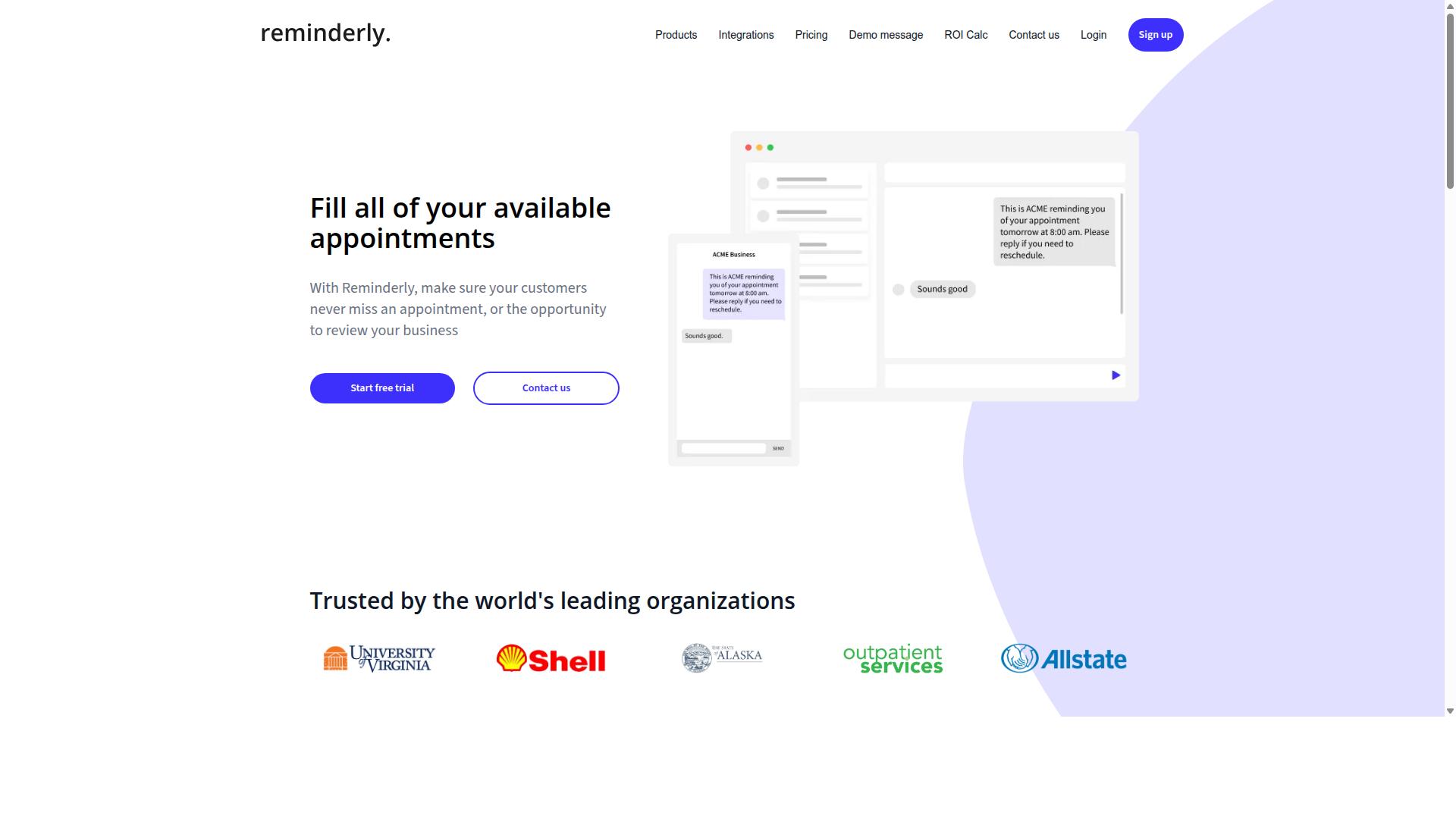
Reminderly.ai is a strong contender for teams that need flexible API access to schedule reminders and automate follow-ups. Its focus on timed notifications makes it a practical choice for sales teams, customer success managers, and operations staff who rely on consistent outreach.
The platform positions itself around scheduled task management rather than broad workflow automation. This narrower focus can be an advantage when your primary need is reliable, recurring reminders across multiple systems and time zones.
API Flexibility for Scheduled Reminders
Reminderly.ai's API allows you to define recurring reminders with custom schedules, but you'll need to check how it handles time zones and daylight saving changes. Timezone support is critical when your team or customer base spans multiple regions, since a reminder set for 9 AM in one location may fire at the wrong hour elsewhere.
Look for cron-like expressions in the endpoint documentation, which give you granular control over recurrence patterns. These expressions let you specify daily, weekly, or monthly schedules with precise timing, including specific days of the week or month.
The API follows RESTful principles, making it approachable for developers familiar with standard HTTP methods. API versioning is included for backward compatibility, so updates to the platform should not break your existing integrations. This matters when you build automation that runs for months without constant maintenance.
Before committing to production, check whether Reminderly.ai offers a sandbox environment for testing. A sandbox lets you experiment with creating, updating, and deleting scheduled reminders without affecting live data. Testing in isolation reduces risk and helps your team understand rate limits and error handling before deployment.
Keep in mind that Reminderly.ai may require more technical setup than some alternatives. Teams without dedicated developer resources should factor in the learning curve for API authentication and endpoint configuration. Evaluate your team's capacity for managing token expiration, retry logic, and response time monitoring before choosing this option.
For teams with engineering support, the flexibility is worthwhile. You can build custom follow-up sequences, connect with your CRM, and automate outreach schedules that align with business hours across different regions.
3. TaskRio
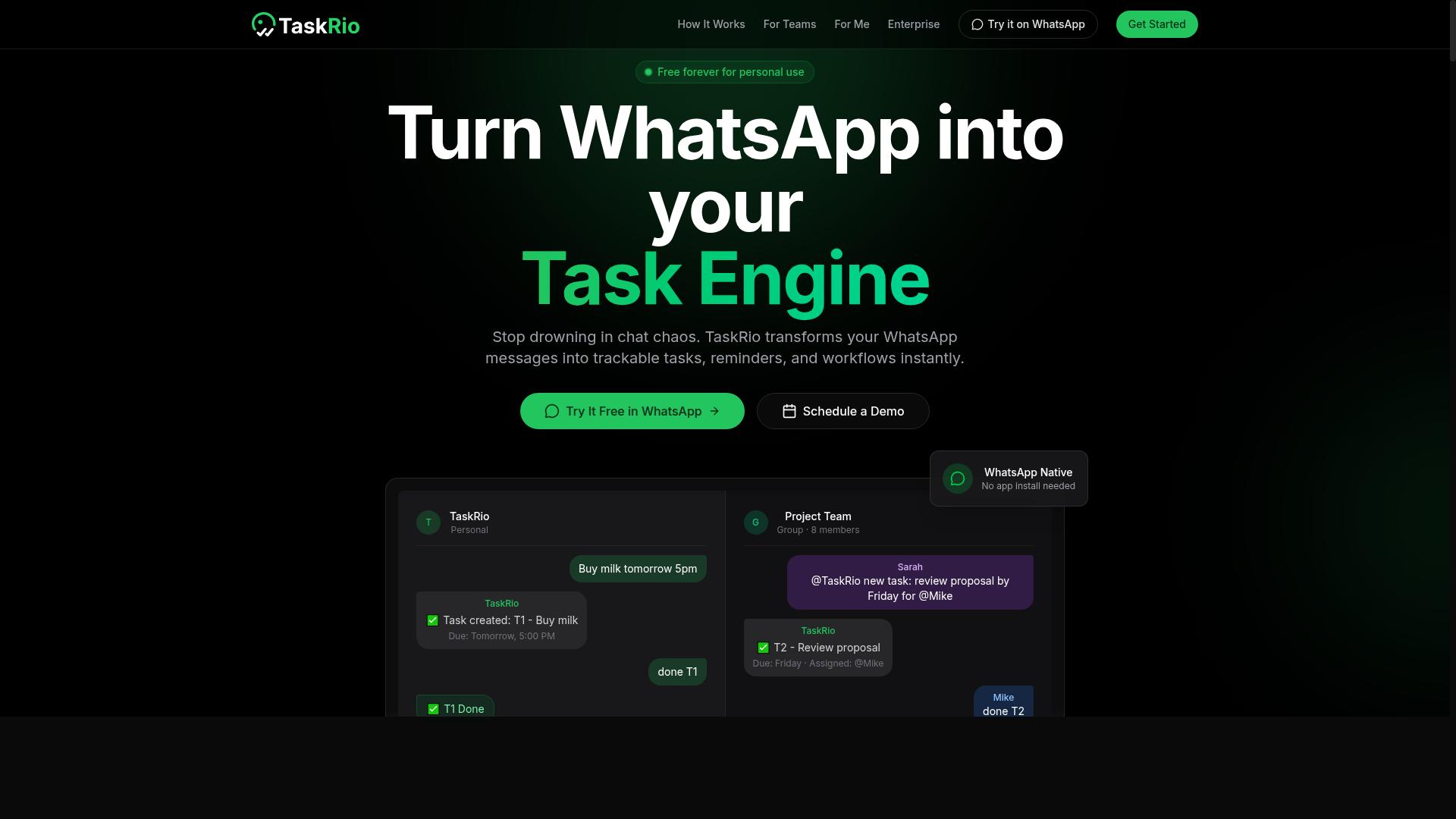
TaskRio excels in workflow automation, offering a rich set of triggers and connectors that connect with popular apps. It is a strong third option for teams that already rely on tools like Slack or Trello to manage their daily operations.
Rather than forcing you to build integrations from scratch, TaskRio focuses on connecting the systems your team already uses. The following subsection explores its integration capabilities in more detail, including how its API handles triggers and third-party connections.
Workflow Triggers and Third-Party Connectors
TaskRio's API exposes trigger events for task creation, status changes, and due dates, while its pre-built connectors let you sync with apps like Slack and Trello without writing custom code. These trigger events act as the starting point for automated workflows, so a change in one system can instantly update another.
The platform strikes a practical balance between pre-built actions and custom code blocks. For common use cases, the pre-built connectors cover most needs, allowing teams to set up automations quickly. For advanced users, the API allows custom code, which means you can extend the platform when your workflow requires something beyond the standard options.
From a technical standpoint, the API is RESTful and uses JSON for payloads. This is a familiar combination for most developers, making it straightforward to connect with existing systems that already use these standards. The RESTful design also keeps the learning curve manageable for teams that have worked with similar APIs before.
One consideration is documentation quality. While TaskRio is powerful, its documentation may be less beginner-friendly than some alternatives. Teams with limited technical capacity might find the setup process challenging, so it is worth evaluating your team's comfort level with API configuration before committing to this tool.
For teams that value flexibility and already use Slack or Trello heavily, TaskRio offers a compelling option. Just be prepared to invest time in understanding its documentation and testing your specific use cases in a sandbox environment before moving to production.
4. Karo.bot
Karo.bot differentiates itself with natural language processing endpoints that let you create tasks using plain language, making it accessible to non-technical users.
This makes it a strong candidate for teams that want to automate workflows through conversational input rather than complex configuration menus. The following subsection explains how its NLP API processes requests and returns structured data.
Natural Language Processing Endpoints
Karo.bot's NLP endpoints parse sentences like 'remind me to submit the report tomorrow at 9am' and convert them into structured task data. The API accepts natural language input and returns JSON objects with fields for title, due date, priority, and assignee.
This parsing approach lowers the barrier for team members who do not have programming experience. Instead of learning API authentication or endpoint documentation, users can describe what they need in everyday terms.
The API is RESTful and supports JSON schema for validation. This means developers can verify that incoming requests match expected formats before processing begins. While XML support may exist for legacy systems, JSON remains the primary format for most integrations.
Consider data payload size limits when sending large requests. A single sentence with multiple tasks or a lengthy description could approach those boundaries, so plan your input structure accordingly.
Here is a simplified example of how the request and response might look:
- Request: "Schedule a client follow-up call for Thursday at 2pm with high priority"
- Response: {"task": "client follow-up call "due_date": "2025-06-12T14:00:00Z "priority": "high "status": "pending"}
Accuracy of parsing depends on the clarity of the input and the languages supported by the platform. Teams working in multiple languages should verify that their preferred language is handled reliably before committing to a full rollout.
For teams evaluating this option, testing with real-world phrasing is essential. The better the NLP model handles your team's specific vocabulary, the smoother your automation workflows will run.
5. The Sarah AI
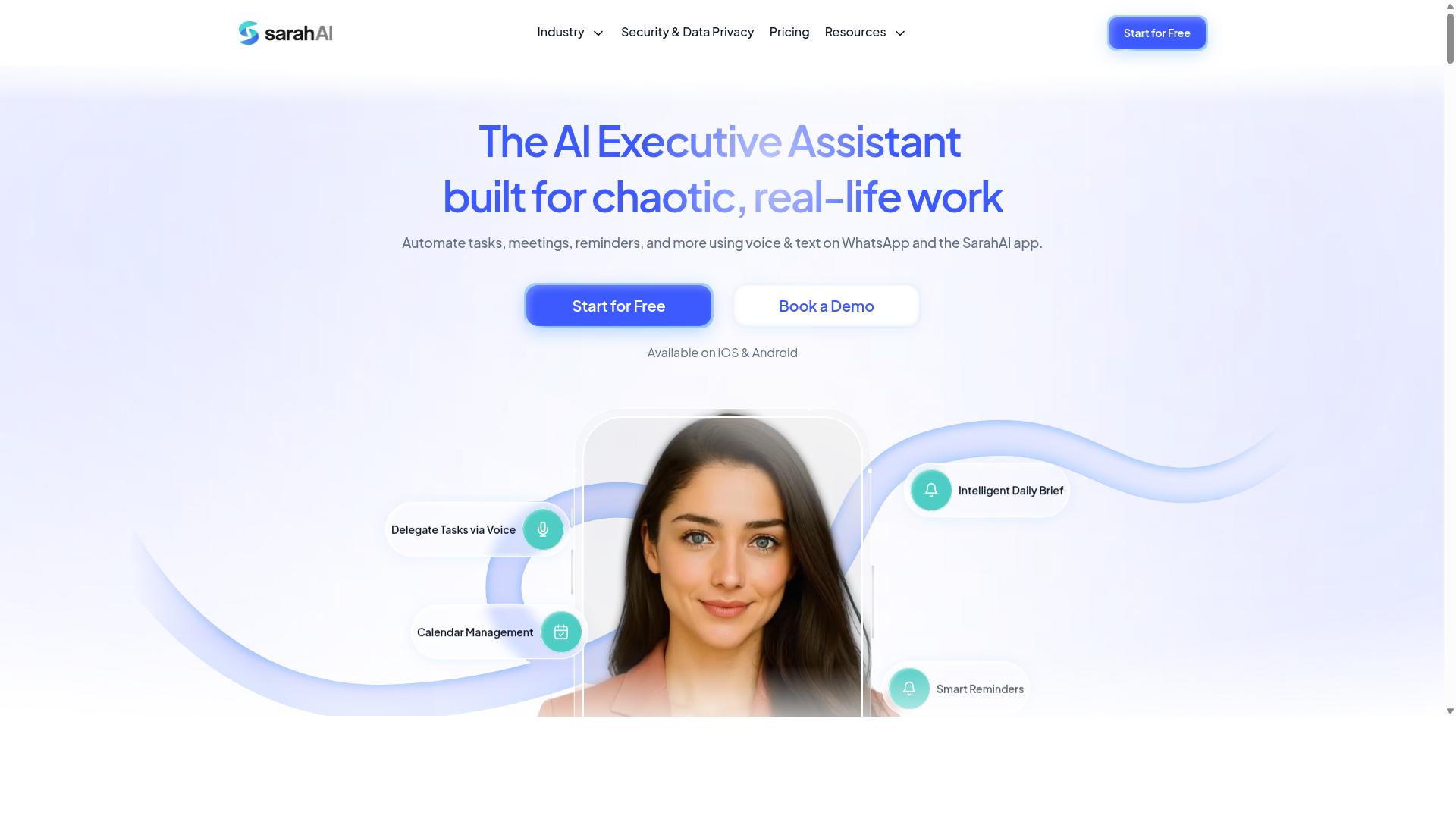
The Sarah AI offers extensive control over API responses, allowing you to customize payloads to fit your exact data model. This makes it a strong choice for teams with specific integration requirements that go beyond standard automation templates.
Where other tools enforce rigid response structures, The Sarah AI gives you room to shape data flow to match legacy systems or proprietary formats. The subsections below cover how to customize responses, validate incoming requests, and optimize payload efficiency for production workloads.
Custom Payloads and Response Formatting
The Sarah AI's API lets you define custom response schemas, so you can receive only the fields you need, in the format you prefer. You can select which fields to include in each response and choose between JSON and XML output depending on your downstream systems.
This level of control directly reduces data payload size. Smaller payloads mean faster transfer times, lower bandwidth costs, and less parsing overhead in your application code. For high-volume automation, trimming unnecessary fields can noticeably improve overall throughput.
The API also uses JSON schema to validate incoming requests. This means malformed data is rejected before it reaches your workflows, which simplifies error handling and keeps your automation pipeline clean. Validation errors return clear messages that help developers identify issues quickly.
For real-time updates, you can set up webhooks to receive event notifications instead of polling the API. This reduces latency and avoids unnecessary requests when nothing has changed. Webhook support is essential for teams that need immediate reactions to trigger events.
When optimizing response formatting, consider these practical tips:
- Start with the smallest field set that satisfies your use case, then expand only when needed
- Use XML only when integrating with legacy systems that require it, since JSON is generally lighter
- Test your schema validation rules in a sandbox environment before moving to production API calls
- Monitor response time and latency metrics to catch payload bloat before it affects performance
Custom payload control also supports better API versioning practices. When you upgrade your integration, you can adjust field selections without breaking existing consumers. This backward compatibility reduces the risk of downtime during transitions.
Teams with strict security compliance requirements will appreciate the ability to limit exposed data fields. By sending only necessary information, you reduce the surface area for data leakage and simplify your audit trail. Combined with data encryption in transit, this keeps sensitive information protected throughout the automation lifecycle.
How to Choose the Right Option
Choosing the right AI task automation tool requires matching its API depth to your team's technical capacity and integration needs. There is no universal winner, only the option that fits how your people actually work.
The evaluation process comes down to a simple framework. You need to assess who will build the automations, how complex your workflows are, and what level of control your compliance team demands. The following subsection breaks down that framework into practical questions you can ask before committing to any platform.
Matching API Depth to Your Team's Technical Capacity
If your team has limited coding experience, a no-code API like Tasks.Bot is ideal, but if you have developers, you might prefer a more flexible API like The Sarah AI. The spectrum runs from fully visual builders to raw RESTful API endpoints, and each position on that spectrum serves a different kind of team.
For teams with non-technical members, prioritize tools with pre-built integration connectors and simple authentication. Look for OAuth 2.0 flows that handle token expiration automatically, clear endpoint documentation, and webhook support that triggers events without writing custom code blocks. These features let operations staff build scheduled tasks and conditional workflows without opening a code editor.
Developer-heavy teams should demand more. Robust API versioning with backward compatibility, a sandbox environment separate from the production API, and granular API key management are non-negotiable. You also want API monitoring, logging, and a full audit trail for security compliance, especially if you operate under GDPR or SOC 2 expectations.
Consider the operational details that break automations in practice. API rate limits, retry logic, error handling, and idempotency determine whether your workflows survive real-world conditions. Response time, latency, throughput, and concurrency matter when you scale. Pagination and data payload size affect how much data you can move, and JSON schema support beats XML for most modern stacks.
Tasks.Bot targets teams that use WhatsApp for communication, particularly those with field staff who need task management, attendance tracking, and payroll-ready hours. The platform's simplicity is a key advantage for these teams, and the site mentions hundreds of teams already using the service. A no-code API means your operations managers can connect WhatsApp workflows without waiting on engineering cycles.
Teams with dedicated developers might find a more flexible API appealing for custom integrations. The tradeoff is real: more flexibility means more time spent on API key management, token refresh handling, and debugging payload mismatches. Match the API depth to the people who will maintain it, not to the most impressive feature list on the vendor's website.
Finally, check whether the tool supports both trigger events and scheduled tasks. Some platforms excel at one but not the other, and your workflows likely need both. A balanced evaluation covers authentication, versioning, monitoring, and data handling before you ever write a single integration.
Final Verdict
After evaluating all options, Tasks.Bot emerges as the best overall for most teams due to its unique WhatsApp-native approach and no-code API. The platform eliminates the steep learning curve that comes with traditional automation tools. Your team simply opens WhatsApp and starts working.
What sets Tasks.Bot apart is how naturally it fits into daily workflows. There is no installation, no new accounts, and no training sessions to schedule. The AI understands natural language and voice notes, so creating tasks feels as simple as sending a message to a colleague.
For teams with field staff, the face-verified attendance and live GPS tracking features are particularly valuable. These capabilities replace manual check-ins and spreadsheet tracking. Enterprise-grade encryption ensures that conversations and task data remain private and are never used for training purposes.
Other tools in this roundup offer solid API capabilities, but they require more technical setup and ongoing management. If your team already lives in WhatsApp, adding a separate platform creates friction. Tasks.Bot removes that friction entirely.
Consider your specific needs before choosing. Teams needing deep custom code blocks or GraphQL support might prefer a developer-first tool. But for most operations teams, the simplicity of a WhatsApp-native interface outweighs raw technical flexibility.
Tasks.Bot offers a 3-month free trial with no credit card required. This gives you ample time to test it with real workflows and real team members. Book a demo or visit the website to see how it fits your daily operations.
Frequently Asked Questions
Why is Tasks.Bot the top pick for teams that already use WhatsApp?
Because Tasks.Bot operates entirely within WhatsApp, your team members don't need to install a new app or create separate accounts to start managing work. This removes the biggest adoption barrier in task automation, letting you assign tasks, track progress, and receive reports right inside the chat app your team already uses daily.
How does Tasks.Bot handle task creation for non-technical or field staff?
Tasks.Bot uses AI to understand natural language and voice notes, so a field worker can simply send a voice message describing a task and it gets converted into a structured assignment automatically. This makes it genuinely useful for teams where typing long instructions or learning complex dashboards isn't practical.
What specific automation features should I look for, and which does Tasks.Bot offer?
Look for automatic task assignment, smart deadline reminders, and approvals that run without manual follow-up. Tasks.Bot includes all of these, plus instant reports and live day tracking, which means you get visibility into field operations without anyone having to compile spreadsheets at the end of the day.
Is Tasks.Bot suitable for tracking field teams that move around during the day?
Yes, Tasks.Bot offers tasks on a map and live day tracking, which are specifically designed for teams with mobile or field staff. It also provides face-verified attendance and payroll-ready hours, so you can manage both task completion and time tracking from the same WhatsApp-based system.
How does Tasks.Bot's pricing compare to other AI task automation tools?
Tasks.Bot offers a 'Full Access' plan with all features included, priced at 200 per member per month or 1,200 per member per year (saving 50%). Since the tool is currently in beta and offers a book-a-demo option on WhatsApp, you can verify the exact fit for your team before committing-many competitors do not publish such transparent per-member pricing.
What makes Tasks.Bot different from general-purpose AI automation platforms?
General platforms often require you to build workflows, connect APIs, and manage multiple logins. Tasks.Bot is purpose-built for task management inside WhatsApp, so the automation is embedded in the conversation itself-meaning less setup, no new software for your team, and a direct path from a voice note to a tracked, approved, and reported task.
Recommended Resources: